
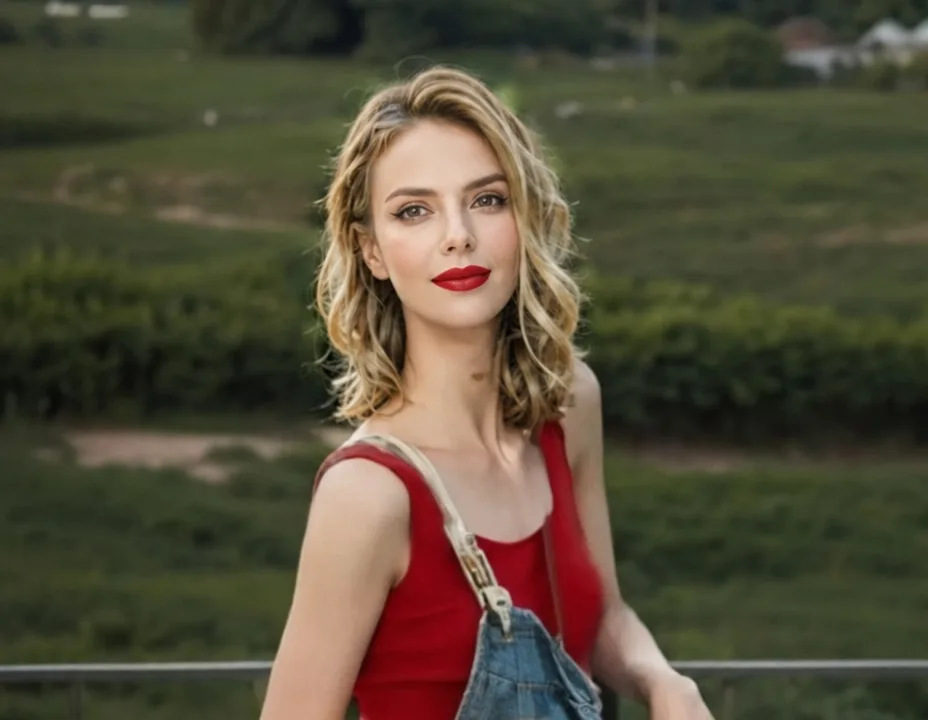
Portrait retouching
Clean up skin, adjust makeup and relight a selfie without touching a slider.
Images 2.5 is an AI image agent built on ChatGPT Images 2.5, the model OpenAI shipped in September 2026. Describe what you want in plain words; the agent writes the prompt, picks Flare for speed or Sunburst for precision, and keeps refining the image with you in the same chat.
Recommended for you
Free credits on signup. No credit card required.
The models behind the agent
What it is
ChatGPT Images 2.5 is OpenAI's newest image model, released on September 8, 2026. Compared with GPT Image 2 it renders more natural lighting and richer textures, keeps the people and products from your reference photos recognizable, follows editing instructions reliably across many turns, and generates up to 50% faster. Through the API it comes as two variants: Flare, the fast default, and Sunburst, the precision tier for production work.
Images 2.5 puts both variants inside an agent you can talk to. You write one sentence; the agent writes the detailed prompt, picks Flare or Sunburst (or a cheaper catalog model when it fits the job), and returns the finished image in the same conversation. Follow-ups work the way you expect: say "same picture, but at night" and it edits what you were just looking at, combines photos, and can even animate the result into a short video clip.
How it works
Three steps from idea to finished image. The same chat handles text-to-image, image editing and video, so there is nothing else to learn.
Type what you want in any language, or attach a photo to edit. The example prompts under the composer are one-click starting points.
The agent chooses between ChatGPT Images 2.5 Flare, Sunburst and the rest of the catalog for the job, writes the detailed prompt, and generates. You can pin a specific model in the composer at any time.
Ask for changes in plain words: swap the background, fix the lighting, match a reference. Every result stays in the conversation, ready for the next edit or a video.
Use cases
Four everyday jobs the agent handles well, using the same chat box above.
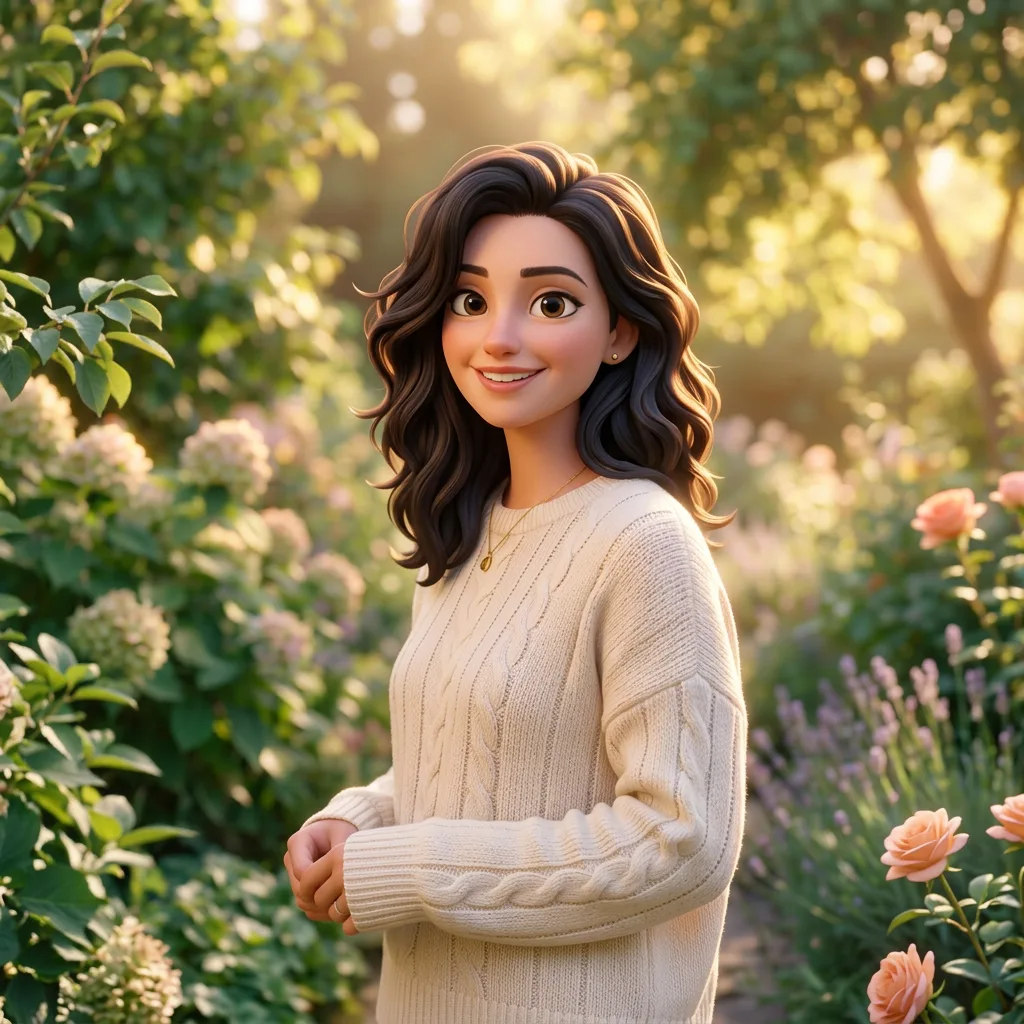
Clean up skin, adjust makeup and relight a selfie without touching a slider.
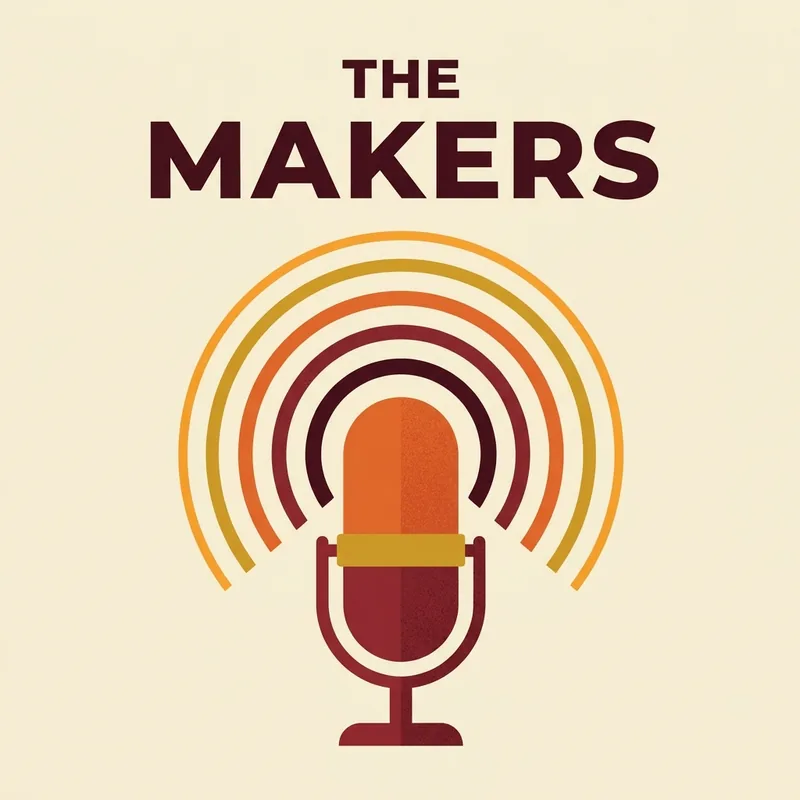
Blog headers, video thumbnails and event posters, sized to the ratio you ask for.

Draft logo directions from a text description, then iterate on the one you like.
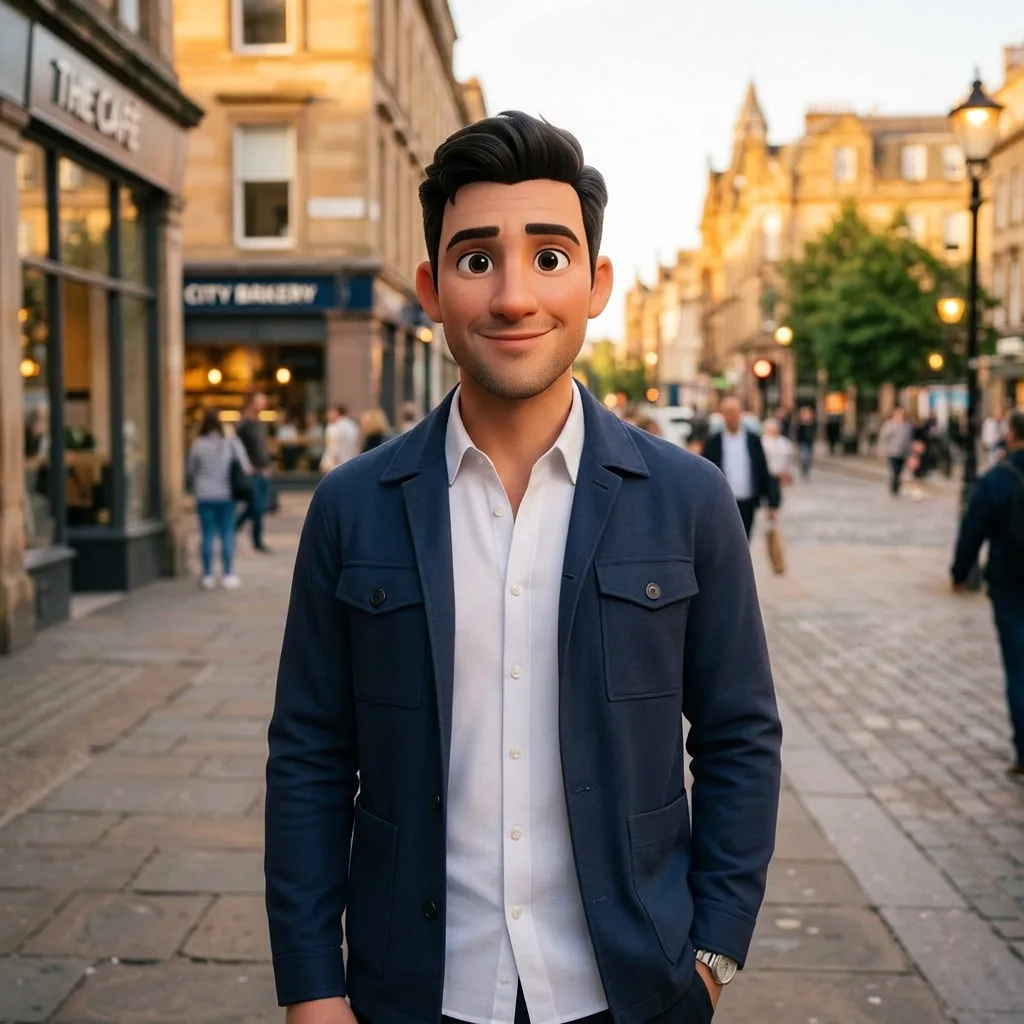
Repaint a photo as watercolor, anime, pixel art or any style you can describe.
Need something else? Ask the agent directly in the chat
Features
Images 2.5 is a chat with tools: image generation, image editing and video generation, each backed by the model that does it best.
Say it once. The agent expands your sentence into a full prompt with style, lighting and composition, then generates. No parameter forms, no prompt engineering.

ChatGPT Images 2.5 Flare and Sunburst lead the catalog, with GPT Image 2, Nano Banana Pro, Seedream and FLUX Kontext behind them. Pin a model in the composer anytime; your choice sticks for the conversation.
Attach one photo to retouch it, or several to combine them: put two people in one picture, try a garment on, place a logo on a product. Images 2.5 keeps subjects consistent across rounds of edits, and you can draw on the image to mark exactly what should change.
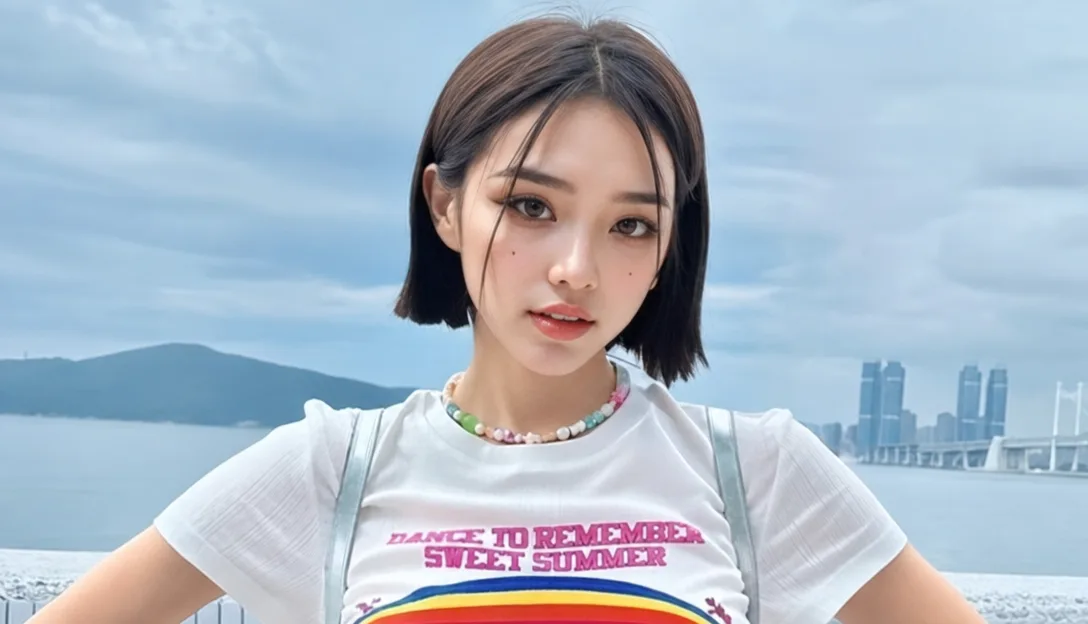
Ask for a clip and the agent renders it with a video model, or animates an image you just made in the conversation.
Why Images 2.5
There are many image generators. This one is an agent: it does the prompt writing, the model picking and the retrying, and you keep the conversation.
Write one plain sentence in your own language. The agent turns it into a detailed English prompt that models actually follow.
Generate a picture, refine it, then animate it, all in the same thread with the same credits.
Combine people, garments, logos and backgrounds from several photos in one instruction.
A generation that errors out returns its credits automatically. You pay for results.
Every model shows its credit price before you generate. Cheap drafts, premium finals, your call.
Uploads and results live in your private library. Delete them anytime; use results commercially on paid plans.
FAQ
ChatGPT Images 2.5 is OpenAI's newest image generation model, released on September 8, 2026 as the successor to GPT Image 2. It produces more natural lighting and richer textures, better preserves the subjects of reference photos, follows editing instructions reliably across multiple turns, and cuts generation time by up to 50%. Images25.ai gives you access to it through a conversational AI image agent.
No. Images25.ai is an independent tool. We access ChatGPT Images 2.5 and the other models in the catalog through licensed third-party APIs, and add the agent experience, the library and the editing workflow on top.
A normal generator hands you a prompt box and settings. An agent reads your request, writes the detailed prompt, picks the model, checks the result and takes your follow-up corrections in the same conversation. It is closer to briefing a designer than operating a tool.
Image models include ChatGPT Images 2.5 in both API variants (Flare and Sunburst), GPT Image 2, Nano Banana Pro and 2, Seedream 5 Pro and 4, FLUX Kontext Pro and Z-Image Turbo. Video models include Veo 3.1 Fast, Kling 2.5, Seedance 2 Fast, PixVerse V6 and Grok Imagine Video. The catalog grows as new models ship.
Yes. Signing up grants free credits, enough for a dozen draft images, with no credit card required. Paid plans and top-ups add more credits when you need volume.
Each model lists a fixed credit price per image or per clip; premium models cost more than draft models. Credits are only spent on successful generations, and failed ones are refunded automatically.
Yes. Attach a photo in the chat and describe the change: remove the background, fix the lighting, restyle it, or merge it with another picture. You can also draw arrows and circles on the image to point at exactly what should change.
Yes. Ask for a short clip and the agent generates it from your text, or animates an image from the conversation. Clips run a few seconds at 720p and are priced per clip, with the cost shown before you confirm.
Images and videos you generate on a paid plan can be used commercially. Free-tier results are for personal use. You are responsible for content you create from your own uploads.
The composer offers square, portrait, landscape and widescreen ratios from 1:1 to 21:9, and output up to 4K on models that support it. Or just tell the agent "make it vertical for a phone wallpaper" and it sets the ratio for you.
Flare and Sunburst are the two API variants of ChatGPT Images 2.5. Flare is the fast default: higher quality than GPT Image 2 at up to 50% lower latency, ideal for social content, product images and quick iteration. Sunburst trades speed for precision, with tighter control across successive edits for production-ready creative. Ask the agent for either by name, or pick one in the composer.
One sentence in the chat is enough. Free credits on signup, no credit card required.